
National Sales Hotline
+86 29 88686309

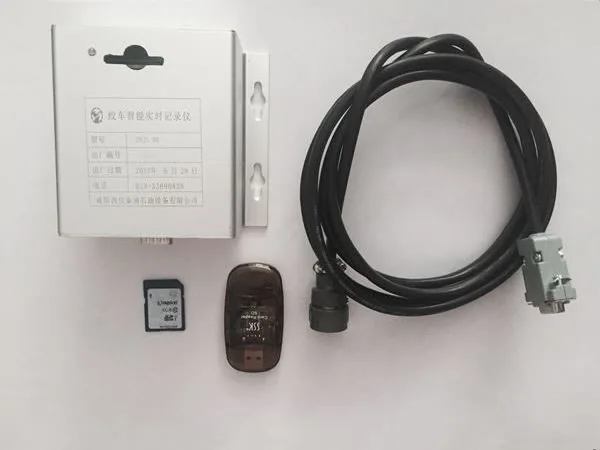

recorder is independently developed by Xianyang Xiyi Qinyou Petroleum Equipment Co., Ltd. The winch recorder is of the ZNJL-III intelligent type. The SD card recorder collects and reads data through our company's dedicated software, and the recorded...
The ZNJL-III intelligent recorder is independently developed by Xianyang Xiyi Qinyou Petroleum Equipment Co., Ltd. The winch recorder is of the ZNJL-III intelligent type. The SD card recorder collects and reads data through our company's dedicated software, and the recorded data is read through a card reader. The ZNJL-III intelligent type is suitable for recording information such as depth, speed, tension, and tension differential during winch well logging well testing, providing a reference for users to monitor the operating conditions of the winch during well logging well testing. The recorder can continuously record the winch operating conditions multiple times and can record well logging
well testing information over a long period.
Card reader One SD memory card, one piece Data reading software CD One
Card reader One SD memory card, one piece Data cable One Data reading software CD One
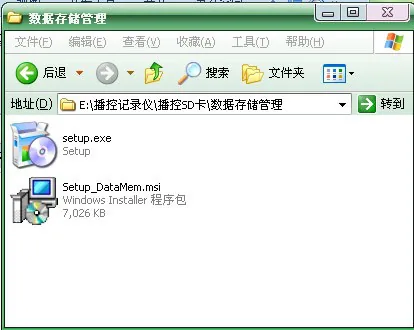
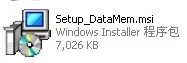
(1) Double-click the " " file with the mouse to start the installation program. (2) After installation is complete, data can be read.
If an earlier installed version exists on this machine, it must be uninstalled first, and then installed.
For the winch panel during well logging and well testing operations, as long as the panel is powered on, data is continuously being recorded.
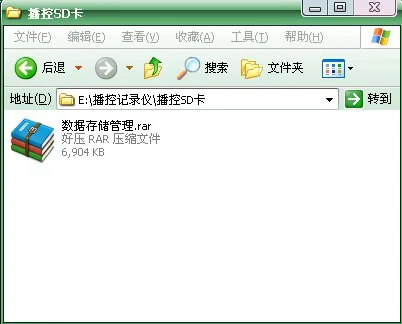
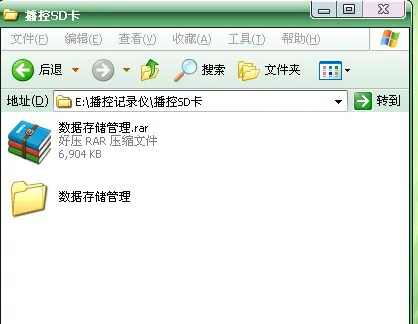
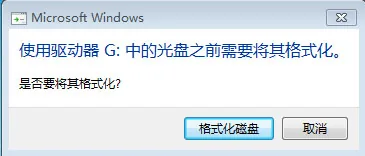
a prompt to format the SD card appears, do not format the SD card, otherwise data will be lost; simply click Cancel. 2. Install the data storage management software on the computer, and the corresponding software can then be used.
". After opening, enter the data reading software interface and read the recorded well logging and well testing data through the software. 4. Search and export: Open the software, select the correct drive letter, and all recorded files appear on the date tab with each day as a time label. To export the data of a certain day, select the corresponding time and date on the time tab, then click Search Date to export the data. If you want to save the data, click "Export Current" after the data is exported. If the software is installed on the C drive, the exported data files will appear in "Data Storage Management" in the BKS folder under the Program Files folder on the C drive, as a TXT-format file with the exported time label. (Note: The time label is based on the time set on the panel.)
5. Plotting: If you need to view data curves, click "Export Current", then click "Plot", then click Browse, select the time label you need to plot, and open it. 6. Searching data: Every minute's data can be found in the TXT folder. For example, to view the data of 2015-03-20 15:55, after opening the exported file labeled 2015-03-20, click "Edit", then click "Find", enter 15:55, and click Find.
Company name: Xianyang Xiyi Qinyou Petroleum Equipment Co., Ltd. Contact phone: 029-88686309 Fax : 029-88686309
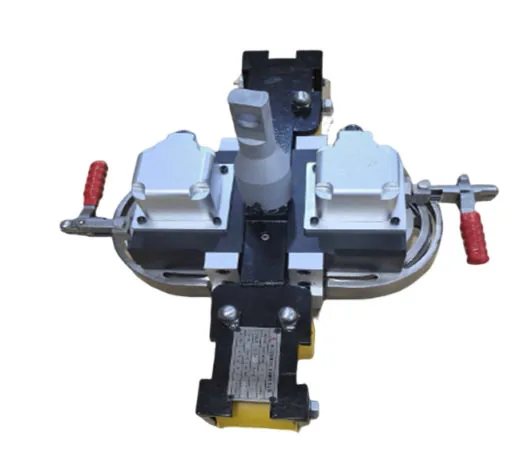
ZNJL2025-I Winch Metering System
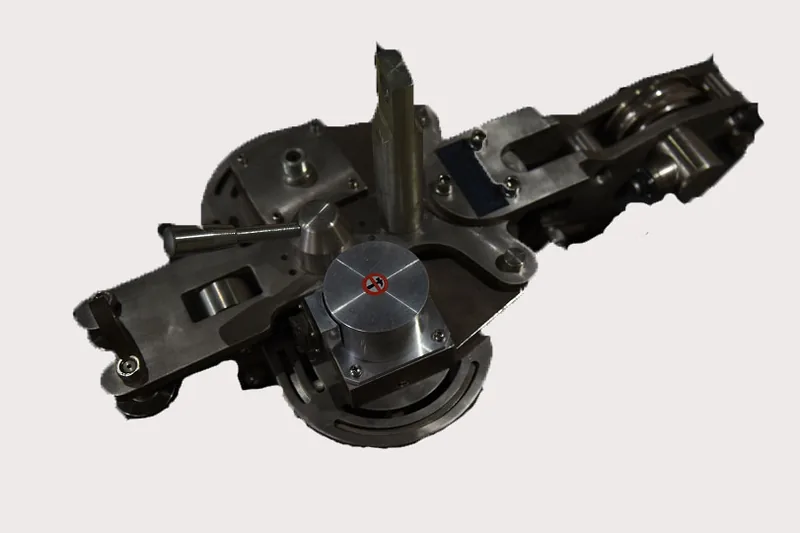
ZNJL2013-I Winch Metering Instrument (Martin Decker)
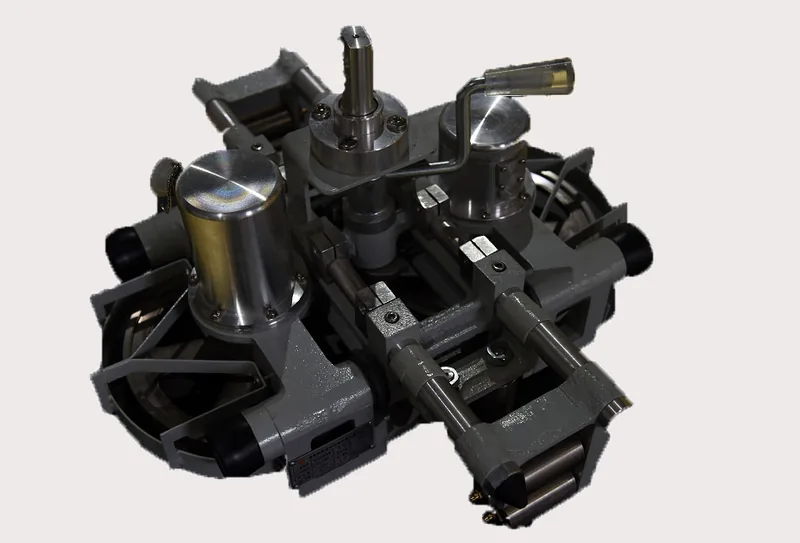
ZNJL2003-I Winch Metering Instrument (Martin Decker)
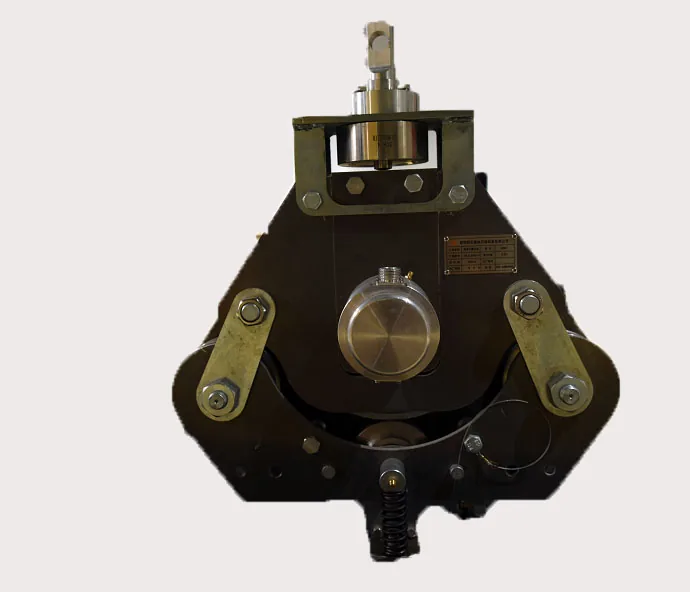
ZNJL2000-II Winch Metering Instrument (Martin Decker)
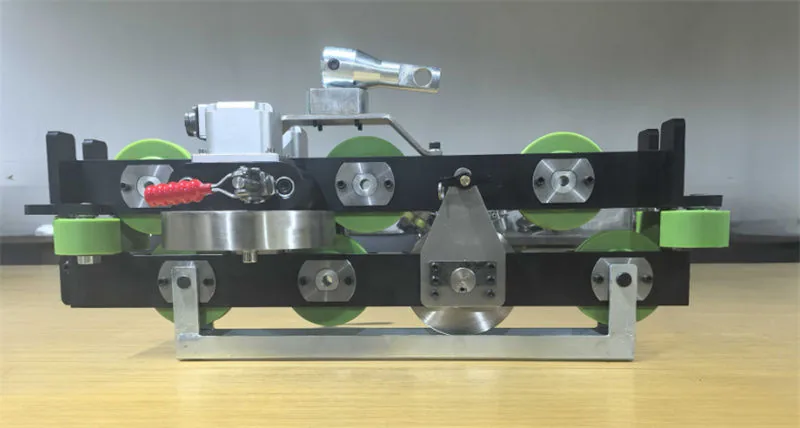
ZNJL2010-III Winch Metering Instrument (Martin Decker)
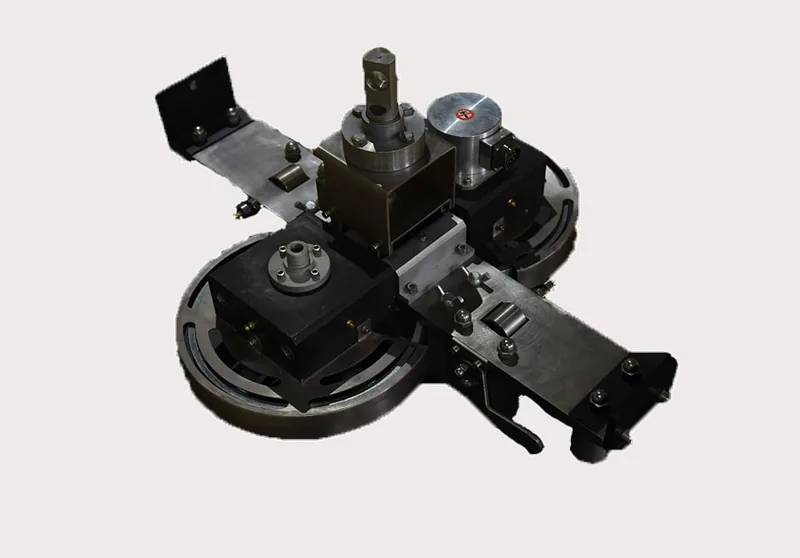
ZNJL2008-I Winch Metering Instrument (Martin Decker)
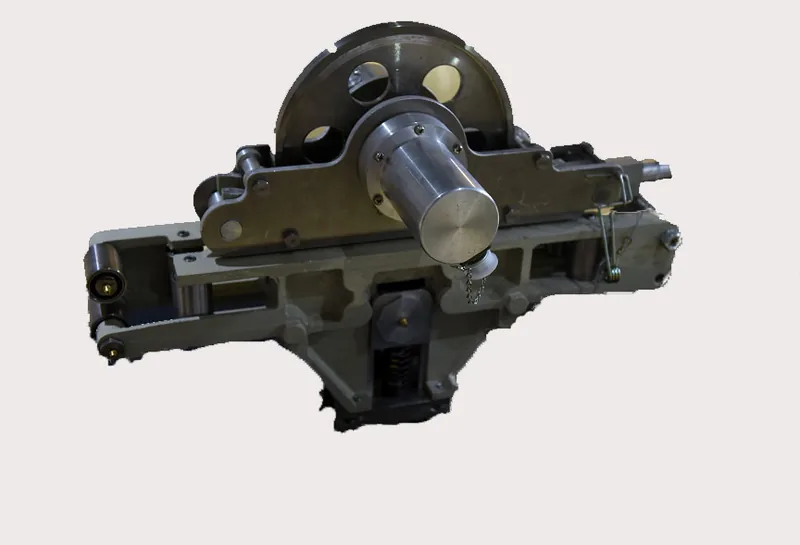
ZNJL98-I Winch Metering Instrument (Martin Decker)
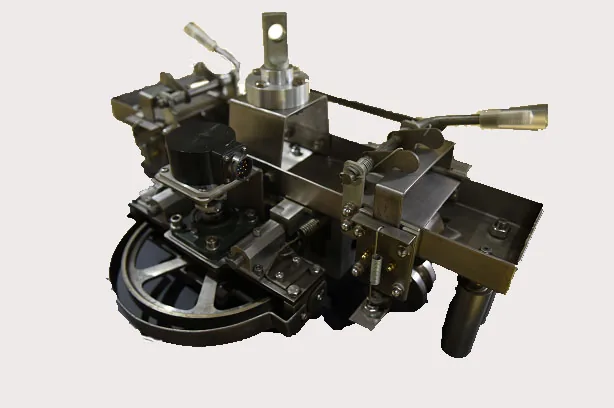
ZNJL2006-I Winch Metering Instrument (Martin Decker)

Xianyang Qindu District, Western Cloud Valley Phase I, Building 12, Room 103
Connect on WeChat
